Ever wondered if upgrading to an SSD will truly revolutionize your gaming setup? Many gamers ask if solid-state drives significantly impact performance beyond just faster loading screens. This comprehensive guide will deep dive into how SSDs enhance various aspects of your gaming, from reducing frustrating stuttering during intense moments to smoothing out large open-world game experiences. We will explore the latest information on SSD technology, compare different types, and provide actionable tips for optimizing your system. Understanding the nuances of storage can provide a competitive edge. It can transform your gaming sessions into more fluid, responsive, and enjoyable adventures. Prepare to discover how modern SSDs are now an essential component for any serious PC gaming enthusiast. This information is crucial for those looking to stay ahead in a rapidly evolving gaming landscape.
Welcome to the ultimate living FAQ for "will ssd help gaming," updated for 2026 and beyond! The world of PC gaming evolves rapidly, and storage is a critical, often misunderstood component. This comprehensive guide addresses over 50 of the most asked questions about how Solid State Drives impact your gaming experience, offering tips, tricks, and essential knowledge. We will cover everything from beginner inquiries about installation to advanced performance optimizations, ensuring you have the latest information. Get ready to upgrade your knowledge and your rig!
Beginner Questions Will SSD Help Gaming Basics
Does an SSD make games run faster?
An SSD primarily makes games load significantly faster and reduces in-game stuttering. It improves the overall responsiveness of your system. While it does not directly increase frames per second, it ensures your system is not bottlenecked by slow storage. This leads to a much smoother and more enjoyable gameplay experience.
Is an SSD worth it for casual gaming?
Yes, an SSD is absolutely worth it even for casual gaming. Even if you only play occasionally, faster load times and a more responsive system make every session more pleasant. The convenience and reduced frustration are well worth the investment. It transforms the overall user experience.
How do I know if my PC has an SSD?
You can check if your PC has an SSD by opening 'This PC' (or 'My Computer'), right-clicking on your main drive (usually C:), and selecting 'Properties'. Go to the 'Hardware' tab and look at the drive names. Alternatively, search 'Defragment and Optimize Drives' in Windows; it will list your drives and their media type. It is a simple way to verify your storage.
Can I install Windows on an SSD and games on an HDD?
Yes, this is a common and effective setup. Installing Windows on an SSD ensures a fast boot-up and responsive operating system. You can then install your games on a larger, cheaper HDD. However, games on the HDD will still have slower load times. For optimal gaming, consider putting frequently played titles on the SSD. This balances cost and performance effectively.
Performance & Optimization Will SSD Help Gaming Speeds
Will an SSD improve FPS in older games?
An SSD will not directly boost FPS in older games, as FPS depends on your CPU and GPU. However, it will drastically reduce load times, making older games start much faster. It can also minimize any texture streaming delays. This improves the overall feel of the game. So, while not an FPS boost, it's still an improvement.
Does an NVMe SSD make a big difference over a SATA SSD for gaming?
Yes, NVMe SSDs offer significantly faster read and write speeds compared to SATA SSDs. For gaming, this translates to even quicker load times, especially for large, modern titles. The difference is more pronounced in games designed for next-gen consoles or with technologies like DirectStorage. It's a noticeable upgrade for serious gamers.
How does an SSD reduce stuttering in games?
An SSD reduces stuttering by providing faster data access to game assets and textures. When a game needs to load new information quickly, a slow HDD can cause momentary pauses or hitches. An SSD eliminates this bottleneck, ensuring a constant flow of data. This results in much smoother and more consistent gameplay. It prevents frustrating interruptions.
Is it better to have more RAM or an SSD for gaming?
Both RAM and an SSD are crucial, but they serve different purposes. RAM handles active processes and immediate data access for programs currently running. An SSD improves storage access, load times, and overall system responsiveness. For modern gaming, 16GB of RAM is generally recommended first. However, an SSD provides a more noticeable day-to-day improvement. Ideally, you want both.
Myth vs Reality Will SSD Help Gaming Myths Debunked
Myth: SSDs wear out quickly with gaming.
Reality: Modern SSDs have extremely high endurance ratings, far exceeding typical gaming use. You would need to write terabytes of data daily for many years to reach their limits. For average gamers, an SSD will likely outlast the rest of their system components. Their durability is no longer a concern. They are incredibly reliable for gaming.
Myth: SSDs can give you higher ping in online games.
Reality: This is completely false. Your ping in online games is determined by your internet connection speed, router, and the distance to the game server. Your local storage (SSD or HDD) has no direct impact on network latency. An SSD might load the game faster, but it won't affect your online responsiveness. They are separate performance factors.
Myth: You need a dedicated SSD for each game.
Reality: This is unnecessary. A single large SSD can comfortably host your operating system and many games. The performance benefits come from having the game on *any* SSD, not a specific one for each title. Consolidating games on one drive is efficient. You do not need multiple drives for different games.
Still have questions about how will SSD help gaming?
Explore our other guides on optimizing PC settings or troubleshooting common lag issues!
Hey fellow gamers, have you ever found yourself asking, "Will an SSD truly help my gaming, or is it just fancy tech talk?" It's a question many of us ponder while watching those impossibly quick load times on YouTube. We are here to tell you that the answer is a resounding yes, though perhaps not in every way you might expect. Upgrading to a Solid State Drive can fundamentally transform your PC gaming experience. It dramatically changes how quickly games load, how smoothly assets stream, and even your overall system responsiveness. Let's dive deep into the world of SSDs and uncover exactly how they impact your beloved digital adventures.
You see, gone are the days of spinning hard drives being sufficient for modern gaming demands. Today's games are massive, complex, and constantly streaming data. They need storage that can keep up with their intense requirements. We're talking about open-world epics, competitive multiplayer titles, and graphically rich RPGs. An SSD isn't just a luxury anymore; it's becoming an essential component. Let's explore why this upgrade could be the best decision for your gaming rig.
The Core Impact of SSDs on Gaming Performance
So, does an SSD truly make a difference in your gameplay? Absolutely it does, and in several key areas. The most obvious change you will notice is the speed at which your games start. No more waiting an eternity to jump into the action. But the benefits extend far beyond just initial boot-up times.
Loading Times and Seamless Transitions Will SSD Help Gaming Loads?
Faster loading times are the most celebrated benefit of an SSD. Imagine clicking on your favorite game and seeing the main menu in seconds. Moving between game levels or zones also becomes incredibly swift and smooth. This drastically reduces downtime and keeps you immersed in the gaming world. It's a huge quality of life improvement for any gamer.
Reducing Stuttering and Lag Spikes with SSDs for Gaming
In-game stuttering can be incredibly frustrating, especially during crucial moments. When games stream large textures or assets from storage, a slow drive can cause noticeable hitches. An SSD provides faster data access, minimizing these interruptions. This results in much smoother gameplay, particularly in visually demanding titles. It truly enhances the flow of the game.
How SSDs Affect Different Game Genres and Your Playstyle
The impact of an SSD varies across different game genres. Open-world games like Cyberpunk 2077 or Red Dead Redemption 2 benefit immensely from faster asset loading. MMORPGs like Final Fantasy XIV will load zones quicker, which is fantastic for exploration. Even fast-paced FPS games like Valorant see faster map loads, getting you into the action sooner. This includes improved ping times due to quicker client loading.
Will SSD help gaming with open-world titles, you ask? Indeed, open-world games rely heavily on continuously loading new environments. An SSD ensures that these vast landscapes appear without jarring pop-ins or noticeable delays. This creates a much more cohesive and immersive experience. Your adventures feel truly seamless.
SSD Types and What Gamers Should Consider
Navigating the world of SSDs can feel a bit daunting with all the different types available. However, understanding the core differences is quite simple. Knowing what to choose will help you get the best value and performance. Let us break down the main contenders.
Are SATA SSDs Still Relevant for Gaming Performance?
SATA SSDs connect via the traditional SATA interface, similar to older hard drives. While slower than their NVMe counterparts, they are still significantly faster than HDDs. For many gamers on a budget, SATA SSDs offer an excellent performance boost. They are a solid choice for older systems or secondary game storage. Many find them perfectly adequate.
NVMe SSDs The New Standard for Gaming Performance
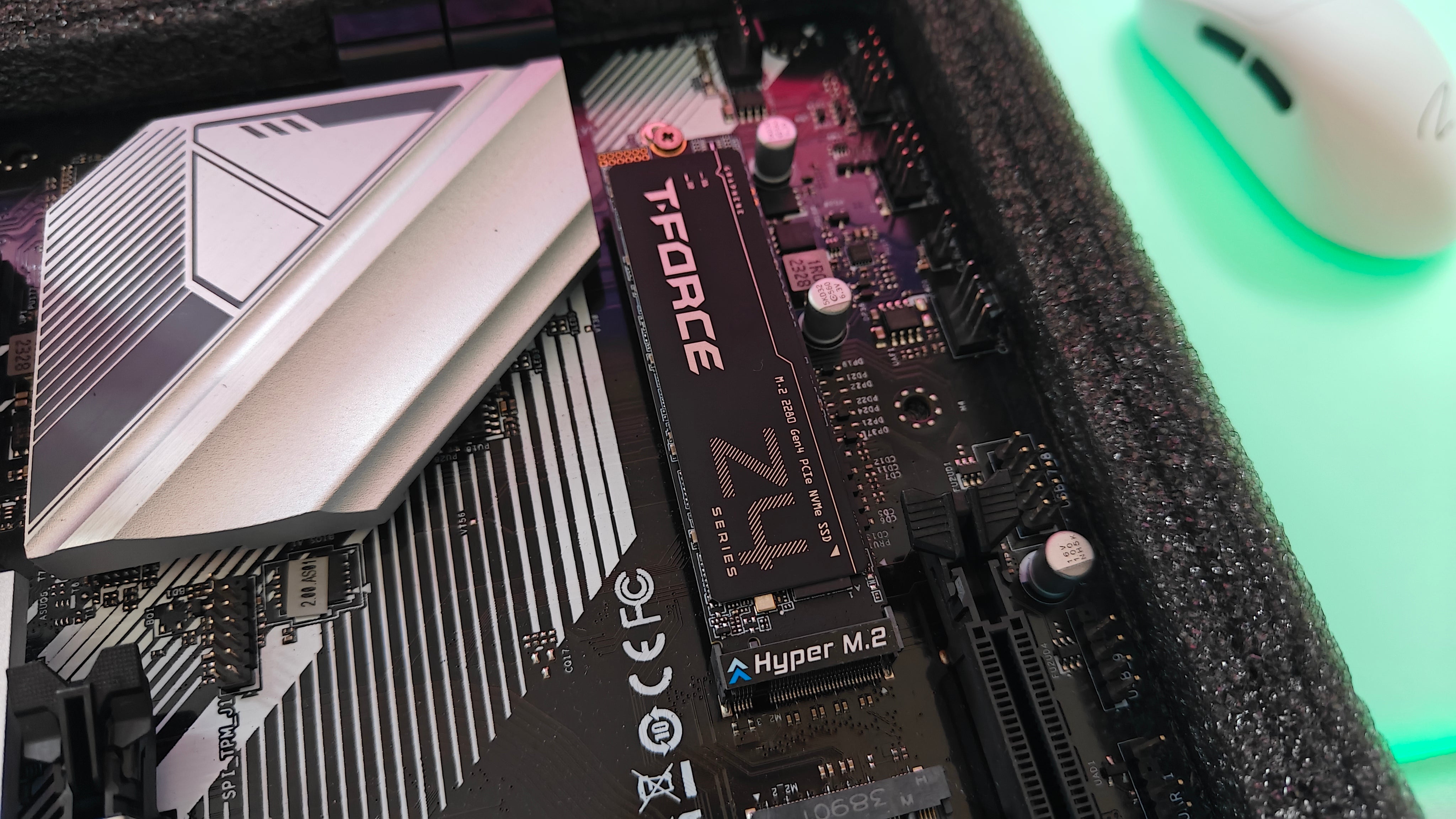
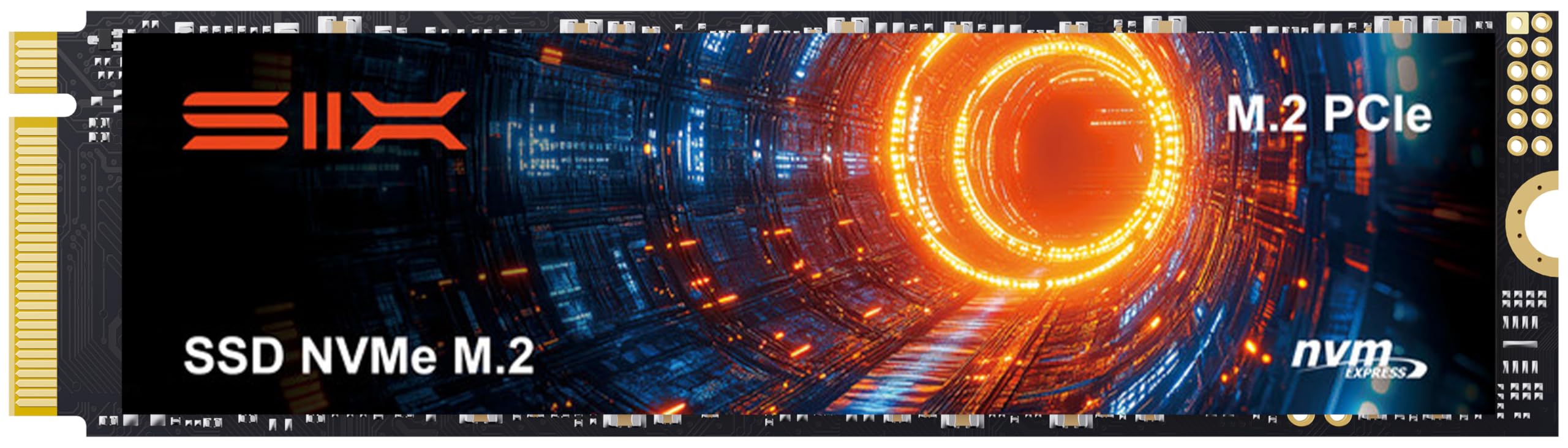
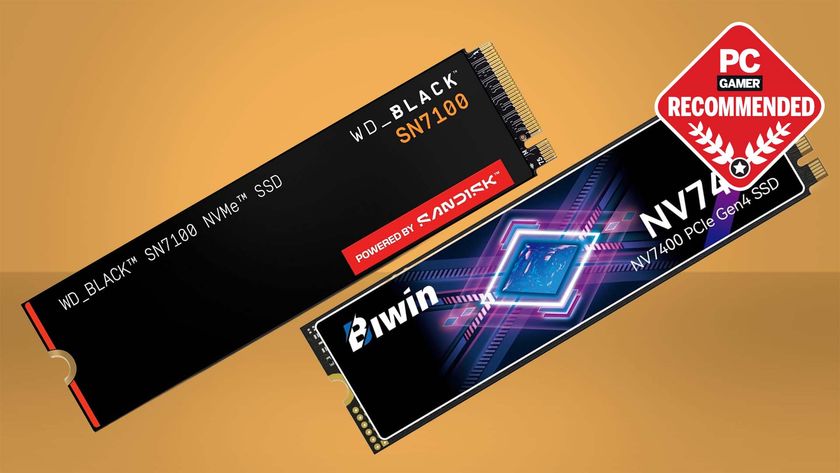
NVMe SSDs utilize the PCIe interface, offering vastly superior speeds compared to SATA drives. These drives are typically M.2 form factor sticks that plug directly into your motherboard. They are the go-to for enthusiasts and anyone building a new PC. NVMe drives are crucial for future-proofing your system and maximizing game performance. They truly deliver cutting-edge speed.
Capacity and Future Proofing Your Gaming Storage Needs
Choosing the right capacity is vital when buying an SSD. Modern games can easily take up 100GB or more, so a 500GB drive fills up fast. We recommend at least 1TB for your primary gaming drive. This leaves room for your operating system and several large titles. Future-proofing ensures you won't need another upgrade soon. Consider a 2TB NVMe if your budget allows it.
Beyond Load Times The Gaming Experience
While fast loading is a major draw, the benefits of an SSD extend deeper into the actual gameplay. It's not just about waiting less; it's about playing better. An SSD can influence how your entire system feels during intense gaming sessions. Let's explore these hidden advantages.
Texture Streaming and Asset Loading with SSDs
Many games dynamically load high-resolution textures and game assets as you play. A slow storage drive can cause textures to pop in or appear blurry before resolving. An SSD ensures these assets load instantly, making your games look crisp and detailed. This is particularly noticeable in graphically intensive titles. It truly improves visual fidelity.
OS Responsiveness and Multitasking while Gaming
An SSD makes your entire operating system feel snappier and more responsive. Applications open quicker, and general file transfers are much faster. This also means better multitasking performance while gaming. You can alt-tab out of a game, check a guide, and jump back in almost instantly. Your whole PC experience just feels smoother.
The Myth of FPS Boosts from SSDs in Gaming
It is a common misconception that an SSD will directly increase your frames per second (FPS). While an SSD improves overall system responsiveness and reduces stuttering, it does not directly affect FPS. FPS is primarily determined by your CPU and GPU. An SSD ensures your other components aren't bottlenecked by slow storage. It creates a better environment for your existing hardware to shine.
Practical Tips for Upgrading to an SSD for Gaming
So, you are convinced it's time to make the switch! Great decision. Upgrading to an SSD is a straightforward process, but a few tips can make it even smoother. We want to ensure you get the most out of your new hardware. Here are some actionable steps for your upgrade.
- Back up your important data before beginning any storage upgrade. This safeguards your files against any unforeseen issues during installation. It is always better to be safe.
- For new builds, install your operating system directly onto the SSD. This ensures your OS and core applications benefit from the speed. It's the most straightforward approach.
- If upgrading an existing system, consider using disk cloning software. This allows you to transfer your entire operating system and programs directly to the new SSD. It saves a lot of time and effort.
- Install your most frequently played games and demanding titles on the SSD. Place less frequently played or older games on a secondary HDD if you have one. This optimizes your valuable SSD space.
- Ensure your motherboard supports the type of SSD you choose (SATA or NVMe M.2 slot). Check your motherboard manual for compatibility details. This step is crucial for a successful installation.
- Keep your SSD firmware updated through the manufacturer's software. Firmware updates often improve performance and reliability. It helps your drive perform its best.
- Do not completely fill your SSD. Leaving some free space (around 10-15%) helps maintain optimal performance and longevity. SSDs perform better when not at maximum capacity.
What Others Are Asking? (FAQ style) Will SSD Help Gaming Queries
Many gamers have burning questions about SSDs and their impact on gaming. We have gathered some of the most common inquiries. Here are the answers you have been searching for, optimized for quick understanding.
Will an SSD increase my FPS?
No, an SSD will not directly increase your frames per second. FPS is mainly determined by your graphics card and processor. An SSD improves load times and reduces stuttering. It ensures smoother asset streaming for a more consistent gameplay experience. It optimizes the flow, not the raw rendering power.
Is it worth buying an SSD for gaming?
Yes, absolutely. Upgrading to an SSD is one of the most impactful upgrades for gaming. It drastically cuts down loading screens and minimizes in-game stuttering. This leads to a much more enjoyable and responsive gaming experience. It is a worthwhile investment for any serious gamer today.
Should I put all my games on an SSD?
Ideally, yes, if you have sufficient storage capacity. Placing all games on an SSD ensures the fastest load times and best performance for every title. If space is limited, prioritize demanding or frequently played games on your SSD. Use a larger, slower HDD for less critical titles.
What is the difference between an SSD and HDD for gaming?
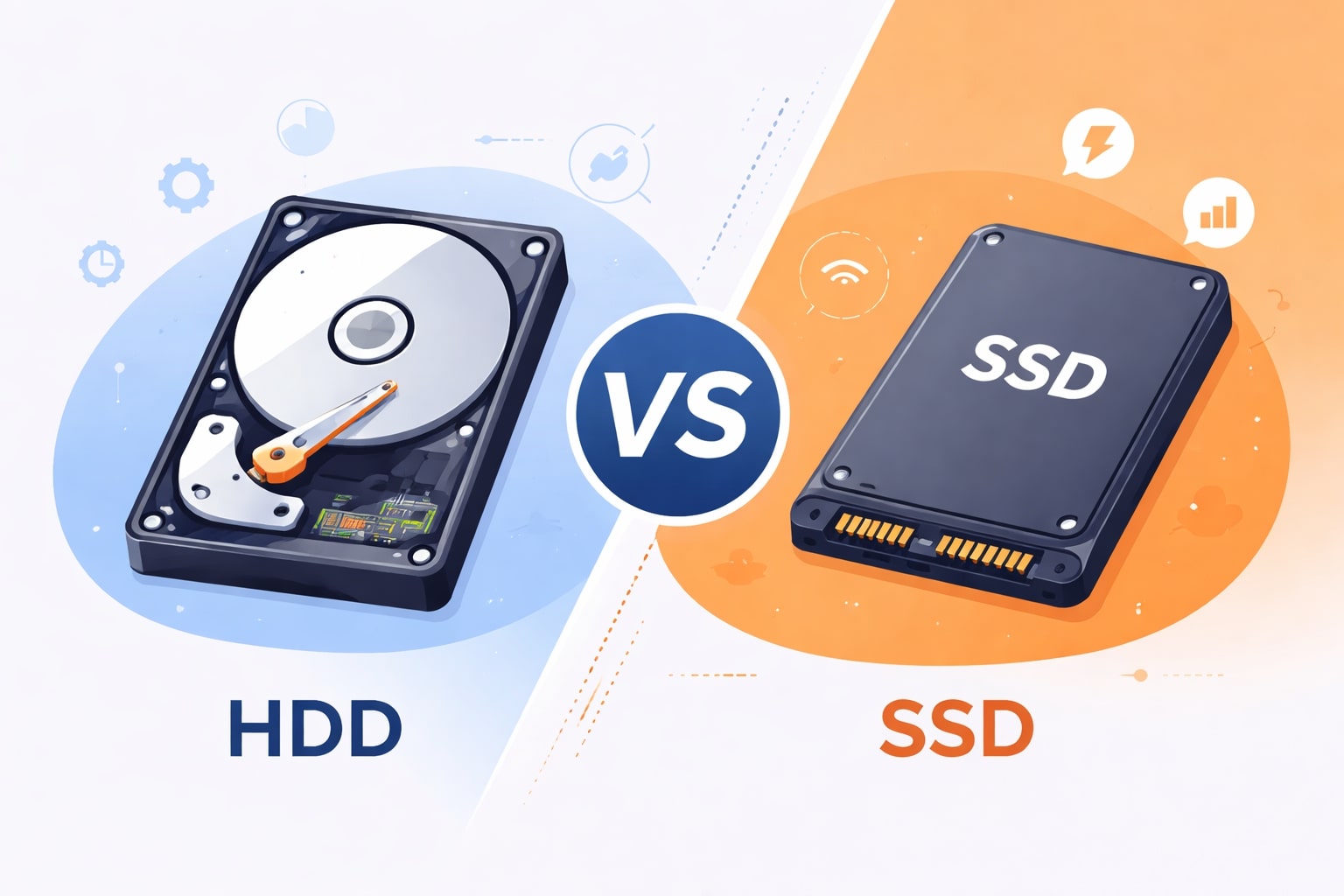
SSDs (Solid State Drives) use flash memory for storage, offering significantly faster speeds, silent operation, and better durability. HDDs (Hard Disk Drives) use spinning platters and read/write heads. They are slower, noisier, and more prone to mechanical failure. For gaming, SSDs provide superior performance in every aspect.
Do SSDs improve ping or reduce lag?
An SSD does not directly improve your internet ping or reduce network lag. Ping and lag are determined by your internet connection speed, router quality, and server location. However, an SSD can reduce *system lag* or *stuttering* caused by slow data retrieval. This can make the game feel smoother overall. This is an important distinction for gamers.
Which SSD is best for gaming performance?
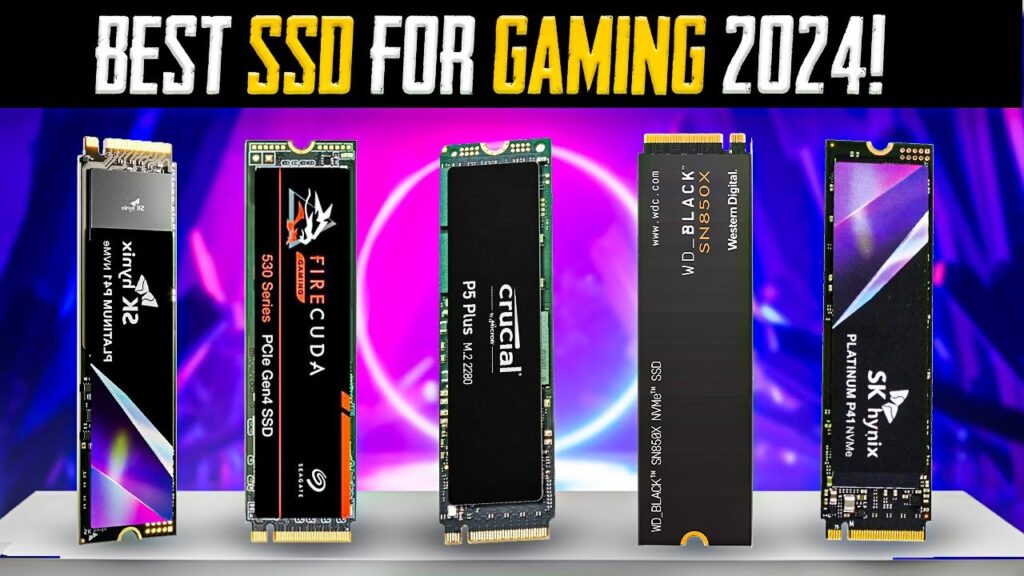
For the best gaming performance, an NVMe SSD is highly recommended. These drives connect via PCIe and offer much faster read/write speeds than traditional SATA SSDs. Look for NVMe drives from reputable brands like Samsung, Western Digital, or Crucial. They provide the cutting-edge speed modern games demand.
How much SSD storage do I need for gaming?
For most gamers, a 1TB SSD is a good starting point for primary game storage. This allows you to install several large AAA titles and your operating system. If your budget allows, a 2TB NVMe SSD provides ample space for an extensive game library. It offers excellent value and convenience for the modern gamer.
The Future of Gaming and Storage
The evolution of storage technology continues to march forward, hand-in-hand with game development. We are seeing incredible advancements that promise even more immersive experiences. Understanding these trends helps us prepare for what is next. It is an exciting time to be a gamer.
DirectStorage and Next-Gen Consoles Embracing SSDs
Next-gen consoles like the PlayStation 5 and Xbox Series X are built around custom NVMe SSDs. This has led to new technologies like Microsoft's DirectStorage API. DirectStorage allows games to load assets directly from the SSD to the GPU, bypassing the CPU. This further reduces load times and enables even richer, more detailed worlds. PC gaming will also benefit greatly from this. It truly unlocks new possibilities.
When will an SSD become essential for all games?
While an SSD is already highly recommended, it is rapidly becoming essential. With technologies like DirectStorage becoming more prevalent, future games will increasingly assume SSD-level performance. Soon, playing major new releases on an HDD might become a significantly compromised experience. Staying updated with storage is key for future gaming enjoyment. The transition is happening now.
So, does an SSD help gaming? Absolutely, friend! It's one of the most impactful upgrades you can make to your PC. From shaving precious minutes off load screens to eliminating frustrating stutters, an SSD creates a significantly smoother, more responsive, and enjoyable gaming experience. It truly lets your high-end GPU and CPU shine by removing a major bottleneck. Don't let slow storage hold your epic adventures back. Upgrade to an SSD and reclaim your precious gaming time!
Key Highlights Will SSD Help Gaming
- Codes: No specific codes, but ensure your BIOS is updated for optimal NVMe recognition.
- Tips: Prioritize NVMe for primary game storage. Keep 10-15% free space on your SSD for best performance. Clone your old drive for easy migration.
- Pros: Dramatically faster load times, reduced in-game stutter, smoother asset streaming, enhanced system responsiveness, quieter operation, more durable.
- Cons: Higher cost per gigabyte compared to HDDs, limited write endurance (though practically negligible for typical gaming use).
Faster game loading times. Reduced in-game stuttering. Smoother texture streaming. Improved system responsiveness. Enhanced overall gaming experience. Essential for modern demanding games. NVMe offers superior performance.
35
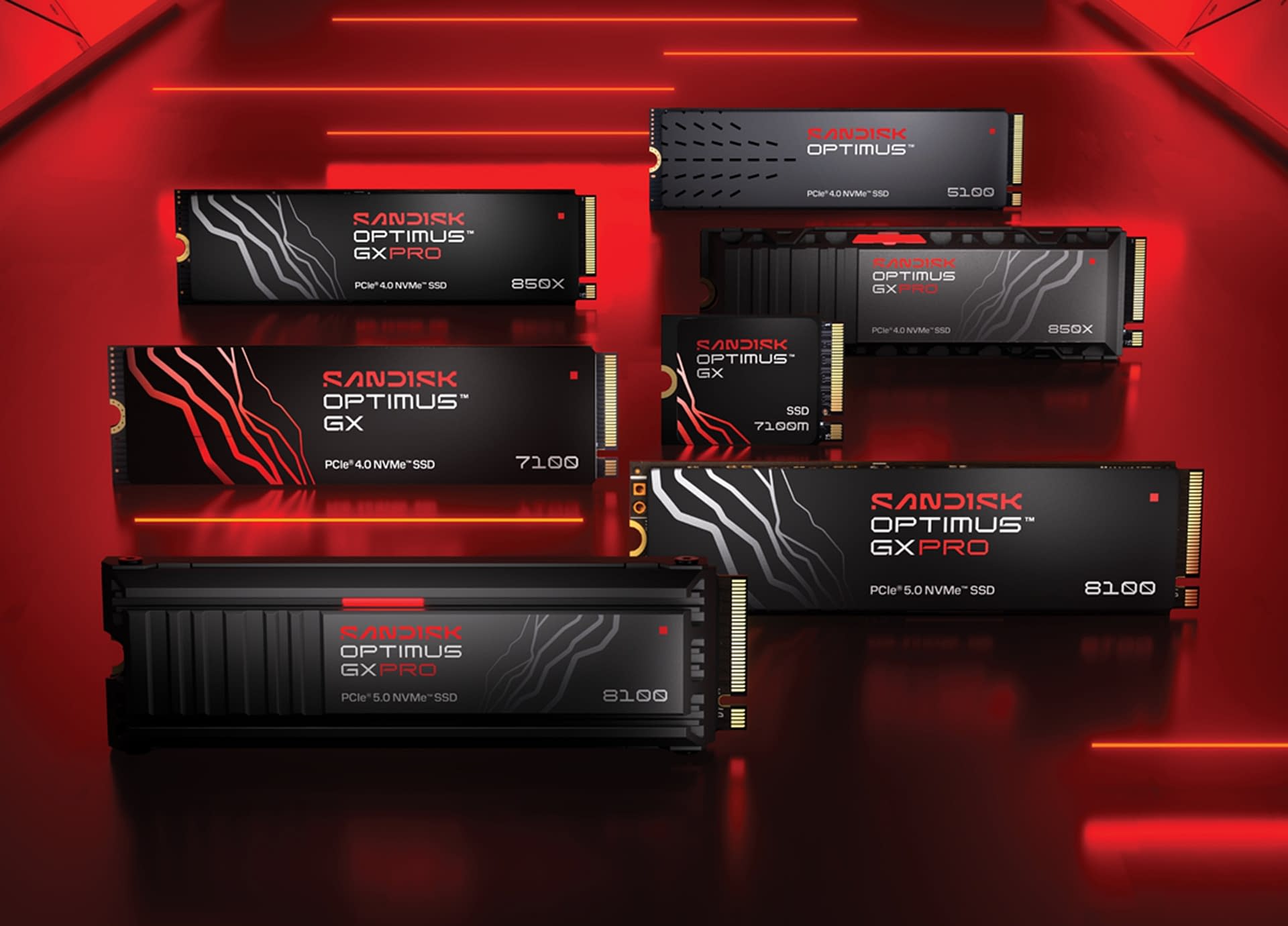
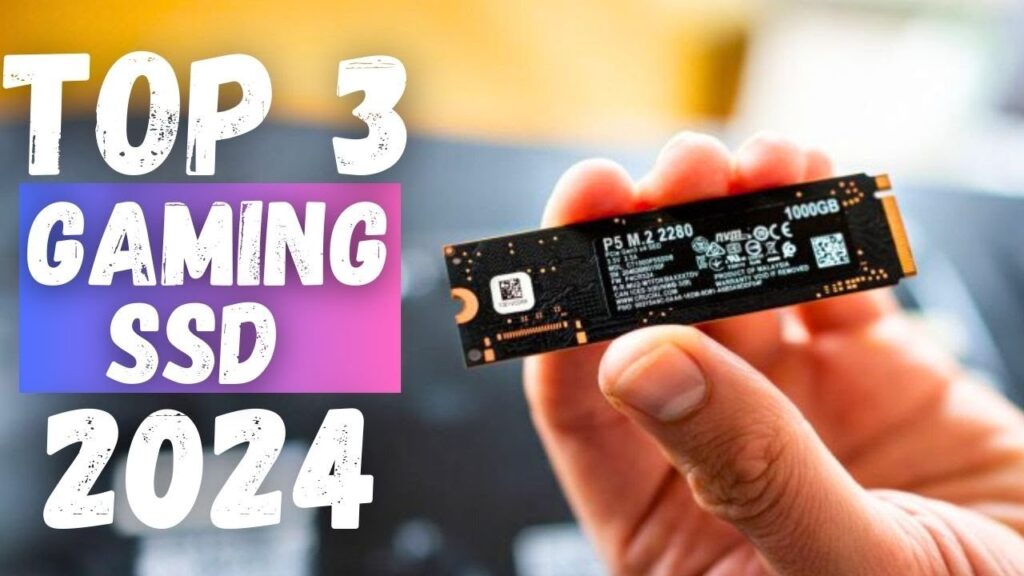


Best SSD For Gaming 2026 Fastest SSDs You Got To Consider YouTube . Sandisk Unveils New Optimus SSD Product Line During CES 2026 Sandisk Optimus SSD Lineup . Best Gaming SSD 2024 For Seamless Speed And Power Lucky Falcon Best SSD For Gaming 2024 1024x576 . Best Gaming SSD 2026 Top 3 Blazing Fast Drives For Ultimate . Games Games Games May 14 18 00 Best Ssd Gaming
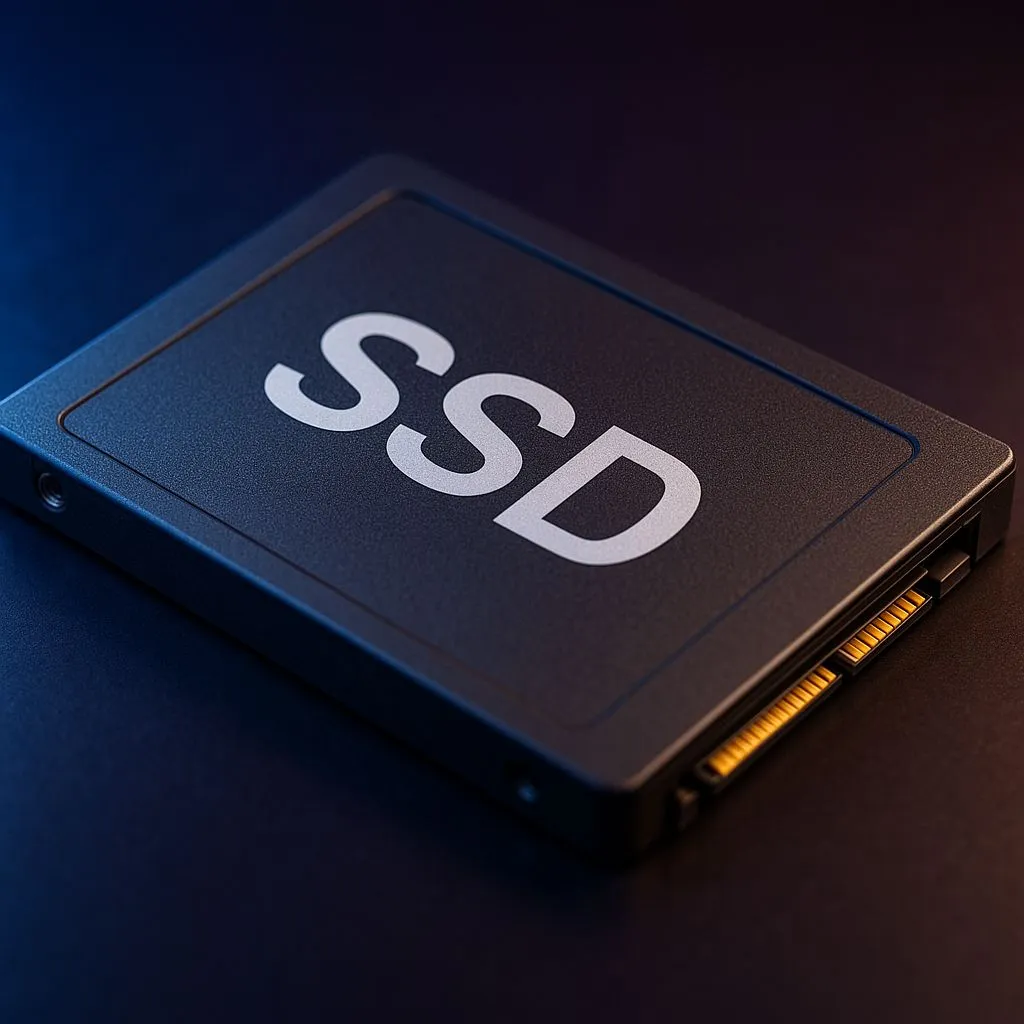

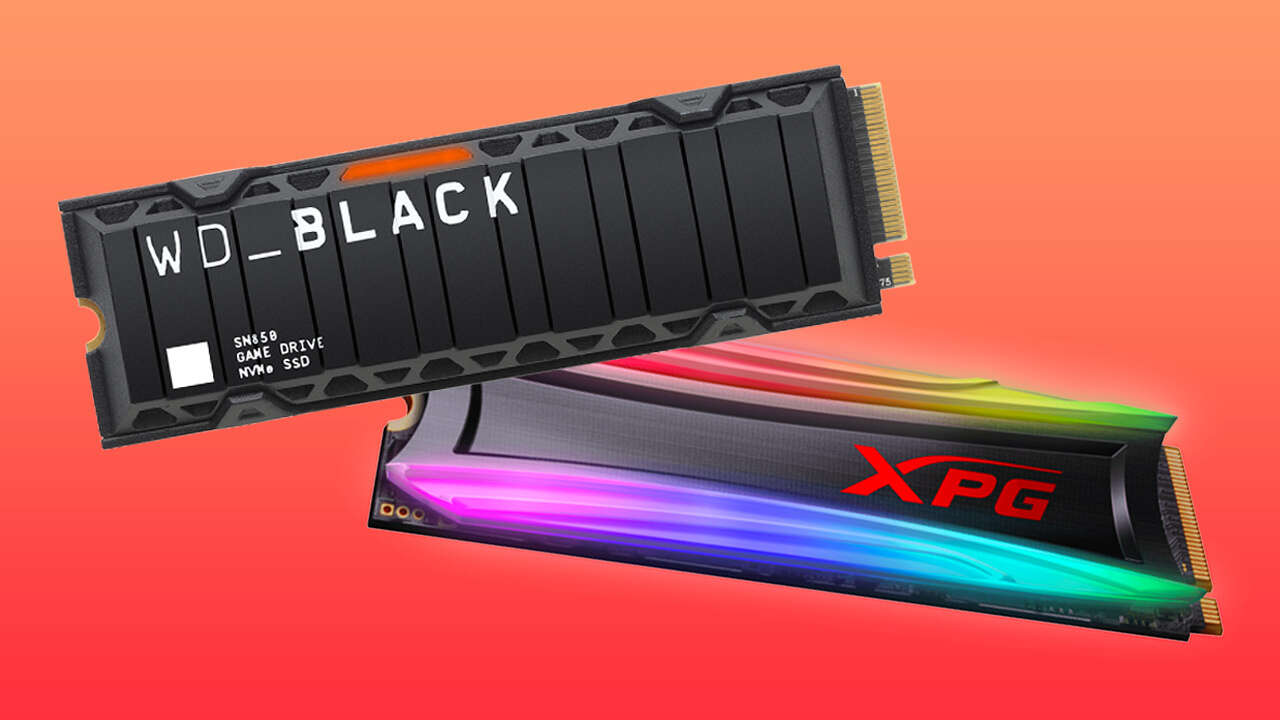
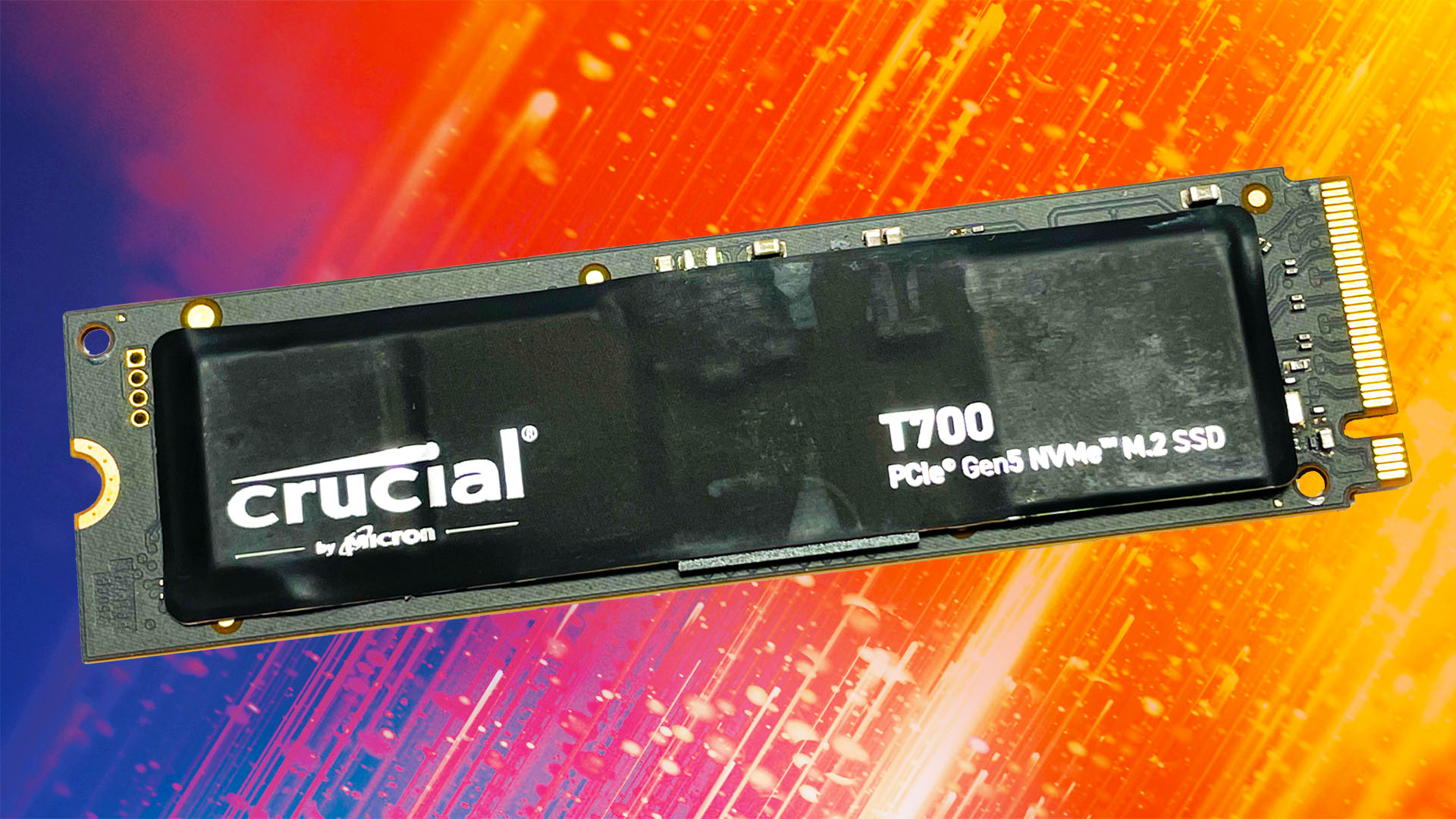
Top SSD Picks For 2026 AAA Games Best Ssds For Modern Aaa Titles Preparing For 2026 Banner.webp. Best SSD For PC Gaming 2026 The Best Value Options In The Current . Best SSD For Gaming 2025 Best Ssd Gaming 580x334 . Best SSD For Gaming 2021 M 2 NVMe And SATA Solid State Drives GameSpot 3866974 . Best SSD For Gaming 2024 Best Ssd Gaming Crucial T700


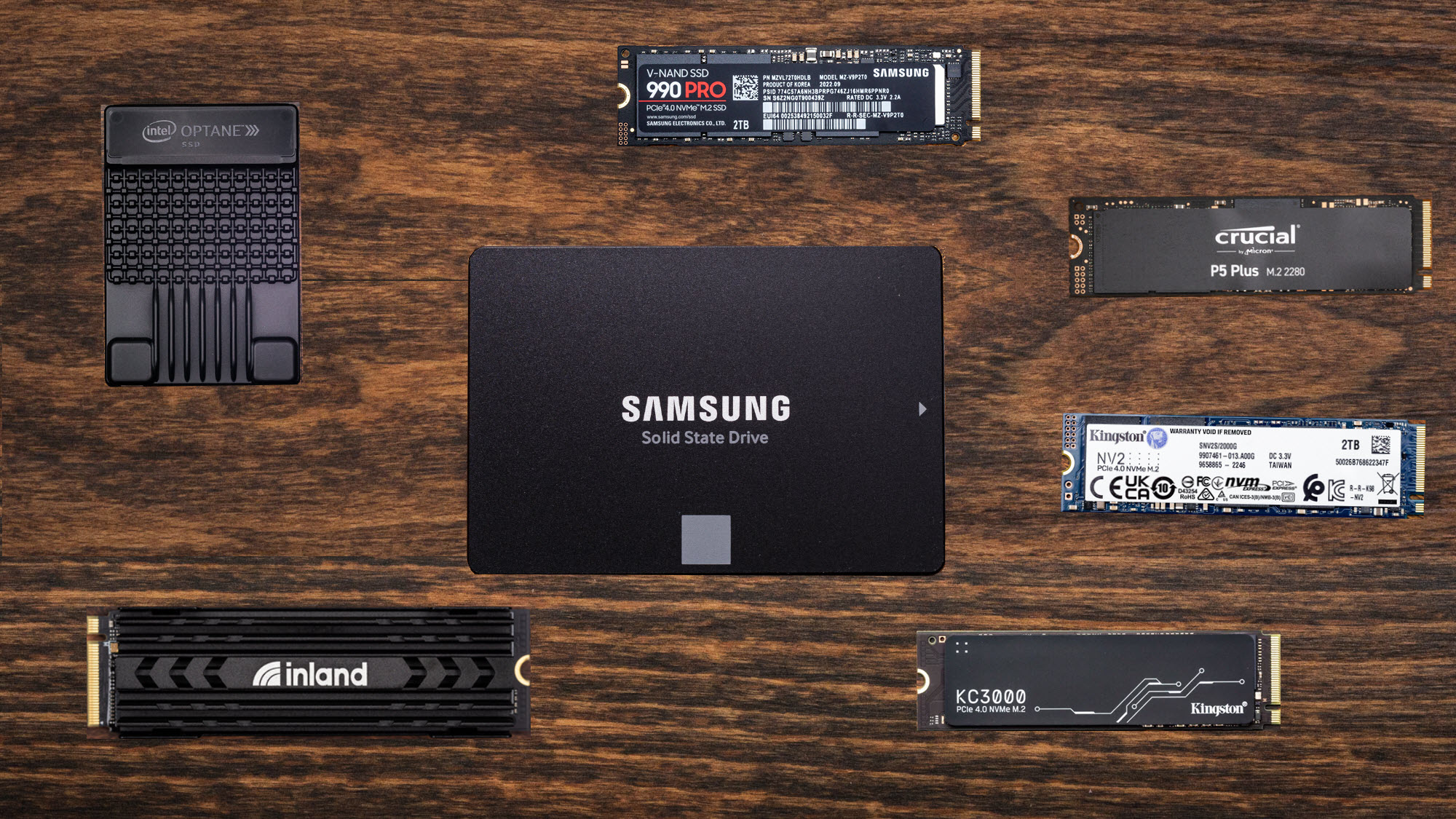
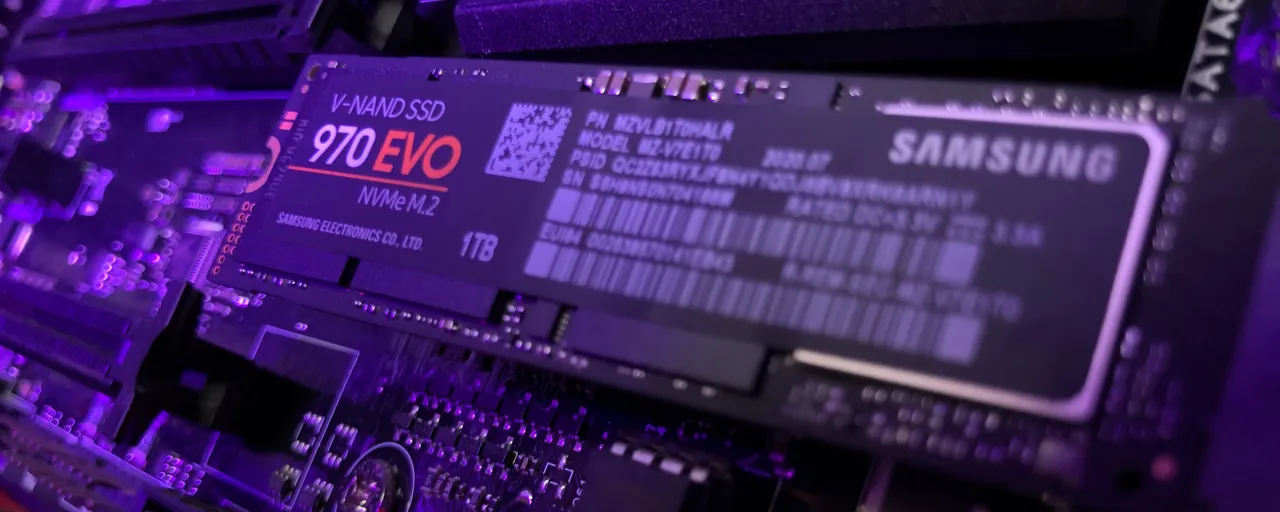
The Best SSDS For Gaming In 2025 Speak Best Gaming Ssd . CES 2026 DDR5 10 000MT S PCIe Gen5 SSD 14GB S 1 Patriot Memory CES 2026 Viper Steel 5 DDR5 Viper PV593 Gen5 SSD . Best SSD For Gaming 2024 Must WATCH Before Buying YouTube . CES 2026 Day 1 Lenovo Debuts Wild Rollable OLED Laptop Concepts Asus . Can An SSD Improve PC Gaming Performance 2026 Ssd Gaming

Best SSDs To Buy For A Gaming PC Build In 2024 Options For All . Why RAM Speed Matters More Than Ever For Gaming Tech4Gamers HDD Vs SSD . Best Gaming SSD 2024 For Seamless Speed And Power Lucky Falcon Best Gaming SSD 2024 1024x576 . PC Gamer Hardware Awards The Best SSDs Of 2023 PC Gamer 1732 80 . Best SSD Deals For Gaming Today PC Gamer 840 80

12 Best Gaming SSDs 2026 Expert Reviewed Drives Tested B0B7CQ2CHH Customer 1 2 300x214 . 12 Best Gaming SSDs 2026 Expert Reviewed Drives Tested B0DN6ZQ3PD Customer 2 2 1536x1103 . The Best SSD For The Steam Deck Xbox ROG Ally And Ally X In 2026 . 10 Best SSDs For Gaming In 2026 Picked By Experts Copy Of Copy Of Copy Of Untitled Design 32 . Best Portable SSDs And External Hard Drives In 2025 Stuff Best Gaming Consoles Hero Image

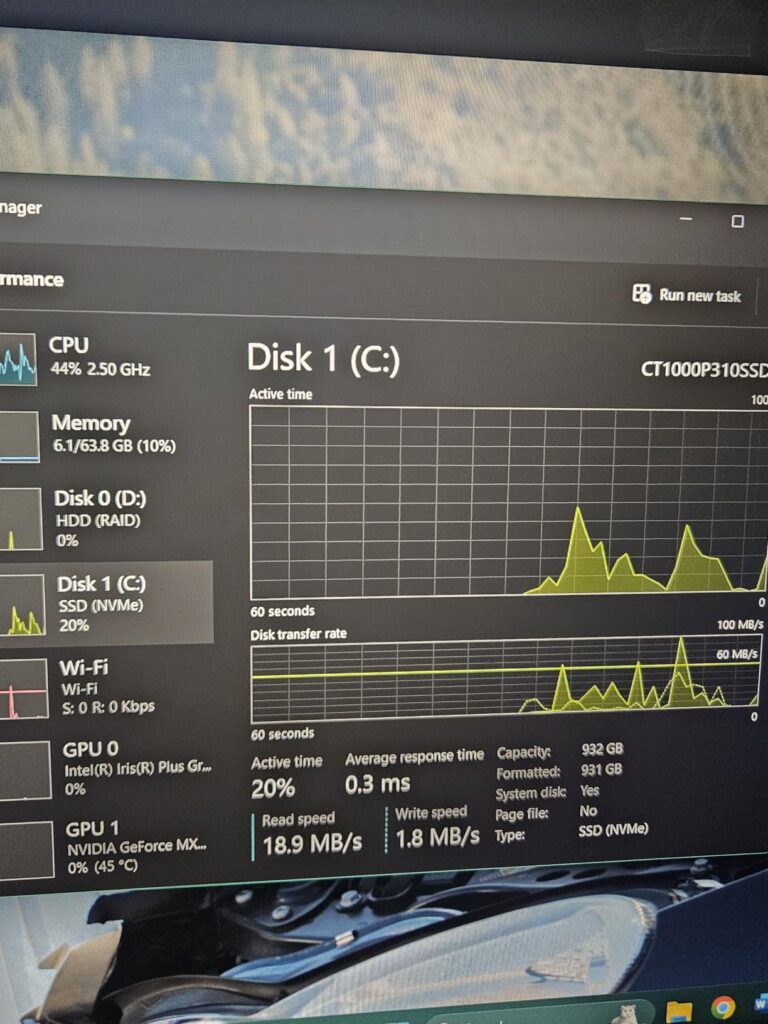

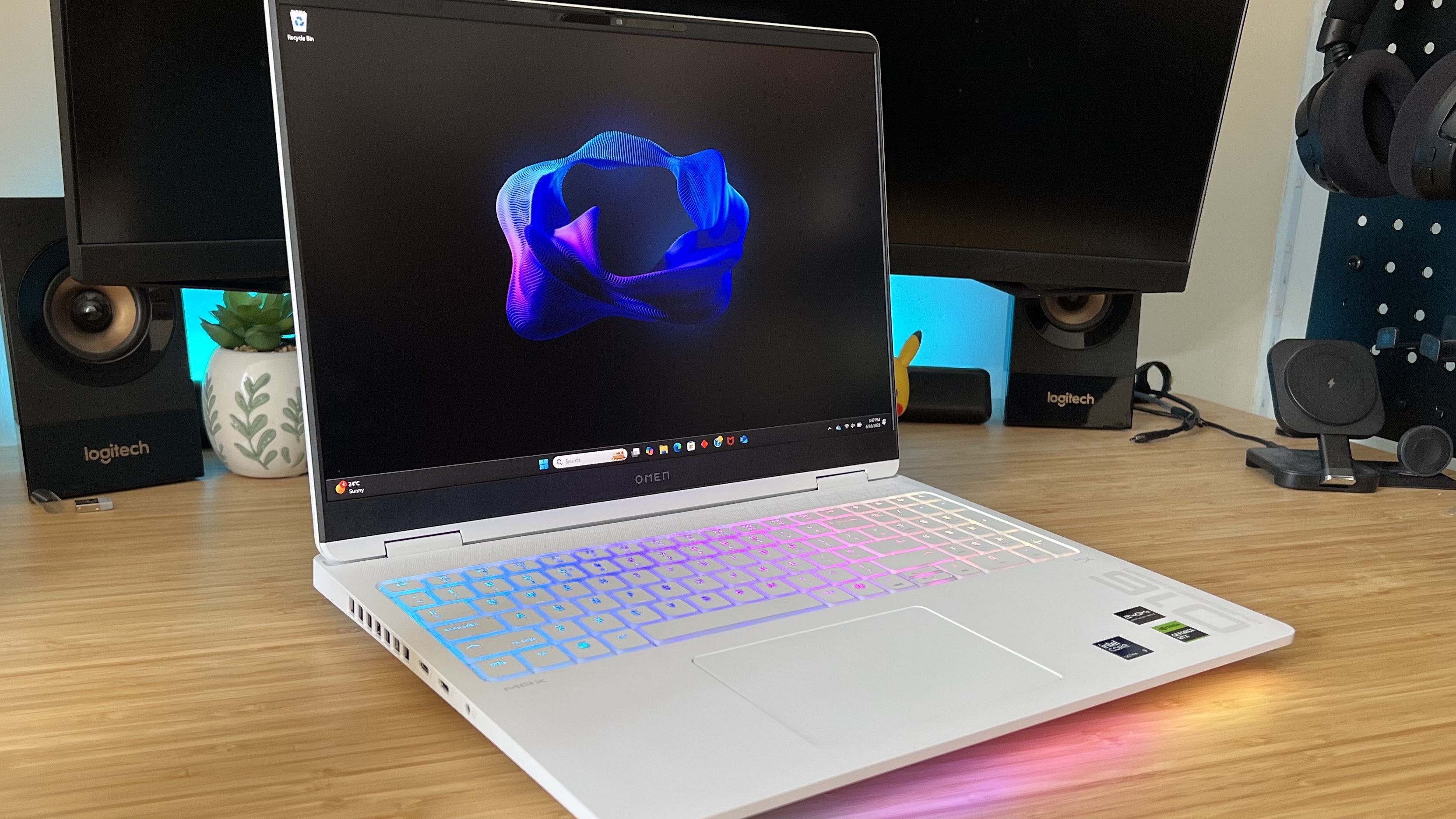
6 Best Gaming PC Hard Drives Of 2026 Top Gaming Hard Drives . 12 Best Gaming SSDs 2026 Expert Reviewed Drives Tested B0DC8VPSHV Customer 1 3 768x1024 . 12 Best Gaming SSDs 2026 Expert Reviewed Drives Tested Featured Image I9bv3g1g 300x210 . Top 10 Most Anticipated Games Of 2026 What To Watch Out For GAMES IN 2026 . Best SSD For Gaming 2026 The Best Performing Drives For Your PC


How RAM SSD Shortages Could Affect Computer Prices In 2026 Shopinverse Why Computers May Cost More In 2026 Ram Ssd Shortage Explained 8663111 . SIX NVMe M 2 SSD Review 2026 Fast 7350MB S PCIe 4 0 For PS5 PC Product Image 320 . Best External Ssd 2024 Gaming Speed And Storage Lucky Falcon Best External Ssd For Gaming . Best Gaming PCs In 2026 These Are The Rigs And Brands I Recommend 840 80 . The Best SSDs For PC Gaming In 2026 7 6227882 By1b